
REPAIRS
“Where is that repair job?”
Keep repair details together.
Give your team a record to find when a customer asks for an update. Compare job sheets, diagnostics and repair workflows by edition.
Explore repair workflowsPHONE SHOP SOFTWARE · BUILT IN SRI LANKA
POS and repair management software for phone shops. Start on one Windows PC, or choose cloud software for your team and branches.
Snap: 14-day trial · Windows 10/11 · Online activation
Start with the problem you want to solve. We’ll help you choose the right software for that work.
“Where is that repair job?”
Give your team a record to find when a customer asks for an update. Compare job sheets, diagnostics and repair workflows by edition.
Explore repair workflows“Do we still have that in stock?”
Move from scattered notes to recorded stock. Start with Snap on one PC, or choose Elite for quantity-based cloud inventory.
Find a stock setup“Which handset did we sell?”
When one phone must be distinguished from another, compare IMEI and serial tracking in Pro and ERP. Snap and Elite use quantity stock.
Compare IMEI inventory“Can I start without a subscription?”
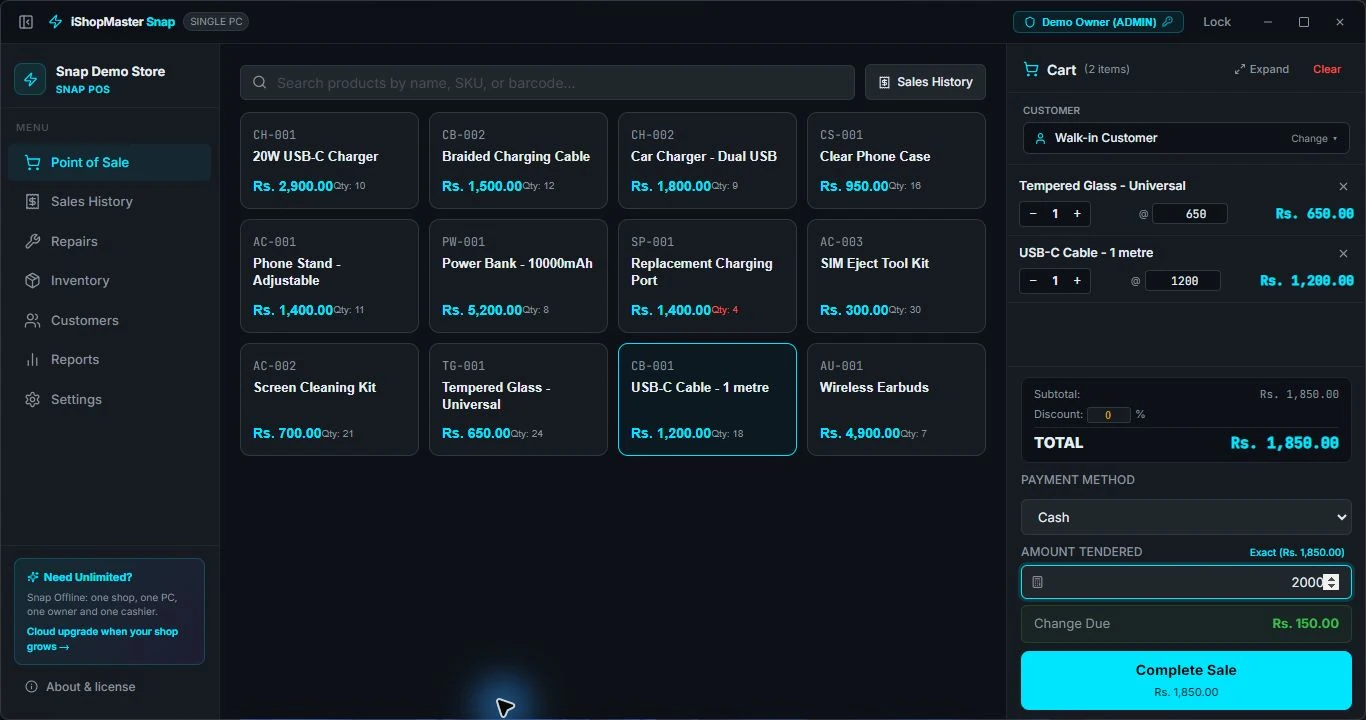
Billing, stock and repair jobs on one Windows computer. Try it for 14 days, then choose a one-time licence if it fits your shop.
Explore Snap
A practical first system for accessory sales, quantity stock and repair jobs.
Internet required for activation. USD 39 internationally.

Cloud POS and repair workflows for quantity-based inventory.

Track individual phones by IMEI and manage more detailed repair workflows.

Coordinate branches, inventory and accounting across your business.
Software prices shown. Confirm hardware, setup, taxes and support in your quotation. Moving to cloud? Agree your data transfer and setup before switching.
A useful demo starts with your counter, your products and your repair jobs.
One PC, cloud stock or multiple branches? Use the plan finder to narrow your options.
Record an example sale, check your stock, follow a repair and test your receipt printer.
Agree your edition, activation, setup, support and renewal charges before paying.
A simple intake-to-collection checklist for your counter.
Read the guideINVENTORYFind the missing sale, damaged item or unrecorded adjustment.
Read the guideBUYING SOFTWARECompare daily work, costs and the move to another system.
Read the guideChoose Snap for one Windows computer and a smaller catalogue. Explore Elite for cloud workflows with quantity-based stock, Pro for individual IMEI or serial tracking, and ERP for multiple branches. Use the plan finder, then confirm the workflows you need in a demonstration.
Snap manages quantity-based stock and repair jobs. For tracking individual handsets by IMEI or serial number through your inventory, choose Pro or ERP. Device details on a repair job and individual handset inventory are different features.
Yes, you can discuss a move as your shop grows. We will review the cloud plan, records you want to transfer and setup assistance with you. Snap provides an export workflow; agree what can be imported and keep a backup before switching.
Tell us how you sell, what you repair and where you want to go next.