Which iShopMaster product fits my shop?+
Choose Snap for one Windows computer and a smaller catalogue. Explore Elite for cloud workflows with quantity-based stock, Pro for individual IMEI or serial tracking, and ERP for multiple branches. Use the plan finder, then confirm the workflows you need in a demonstration.
Does Snap track phones by IMEI?+
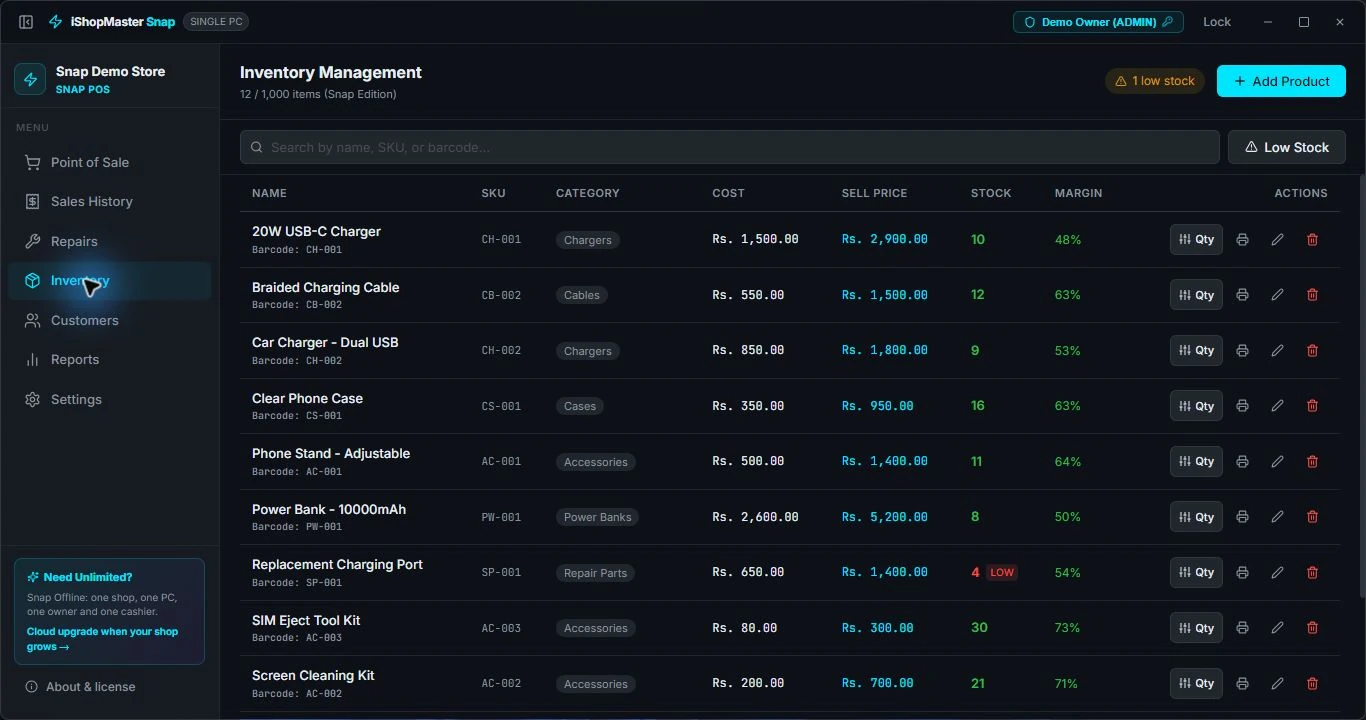
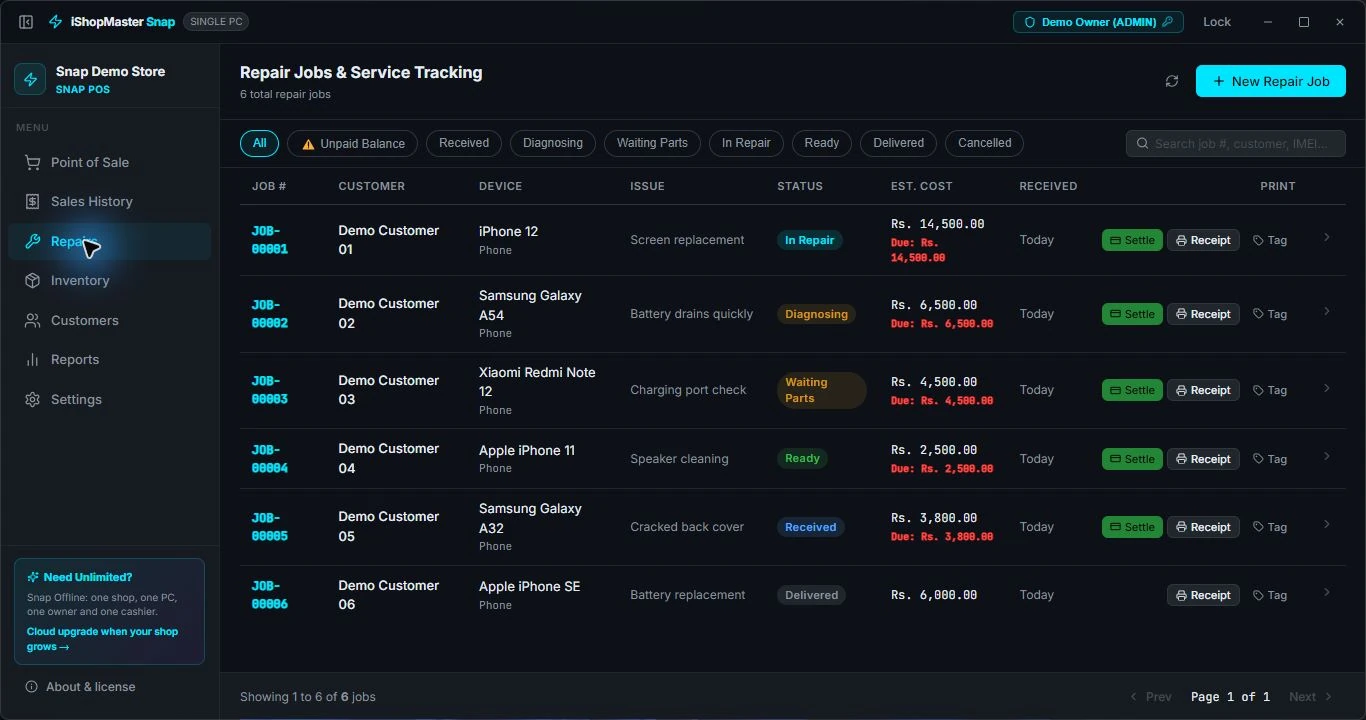
Snap manages quantity-based stock and repair jobs. For tracking individual handsets by IMEI or serial number through your inventory, choose Pro or ERP. Device details on a repair job and individual handset inventory are different features.
Can I move from Snap to cloud later?+
Yes, you can discuss a move as your shop grows. We will review the cloud plan, records you want to transfer and setup assistance with you. Snap provides an export workflow; agree what can be imported and keep a backup before switching.
Can I try Snap before buying?+
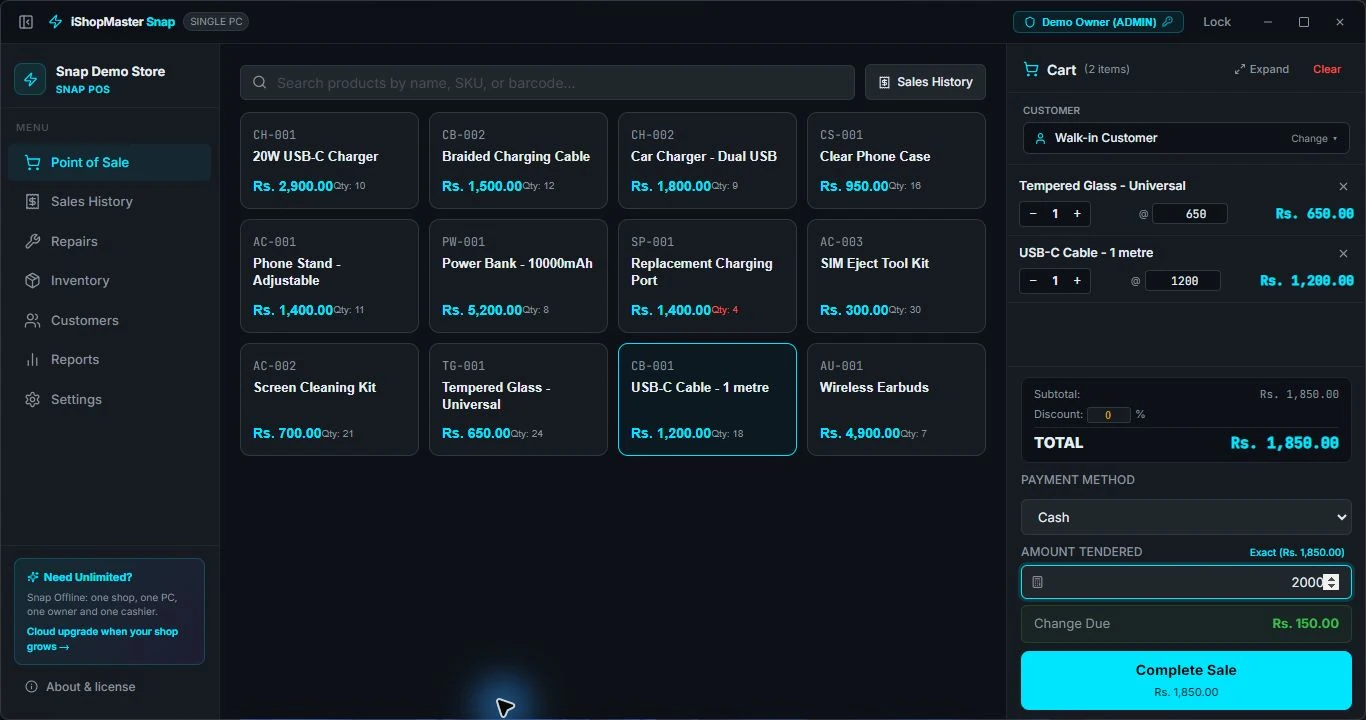
Yes. Snap offers a 14-day trial. Download the Windows installer, set up your shop and test billing, stock, repairs and your printer before purchasing.
How do I purchase and activate Snap?+
In Snap, choose Buy licence and create a purchase request. Contact us on WhatsApp with the purchase reference. We confirm payment instructions, verify the payment and send your serial number. Enter it in the app while connected to the internet. You can also enter a serial you have already purchased.
Does Snap need an internet connection?+
Snap stores your shop data on your computer and supports offline daily work after activation. You need internet to activate your serial and use online services. Your licence must remain valid; the app can check its status when connected.
What are the Snap licence limits?+
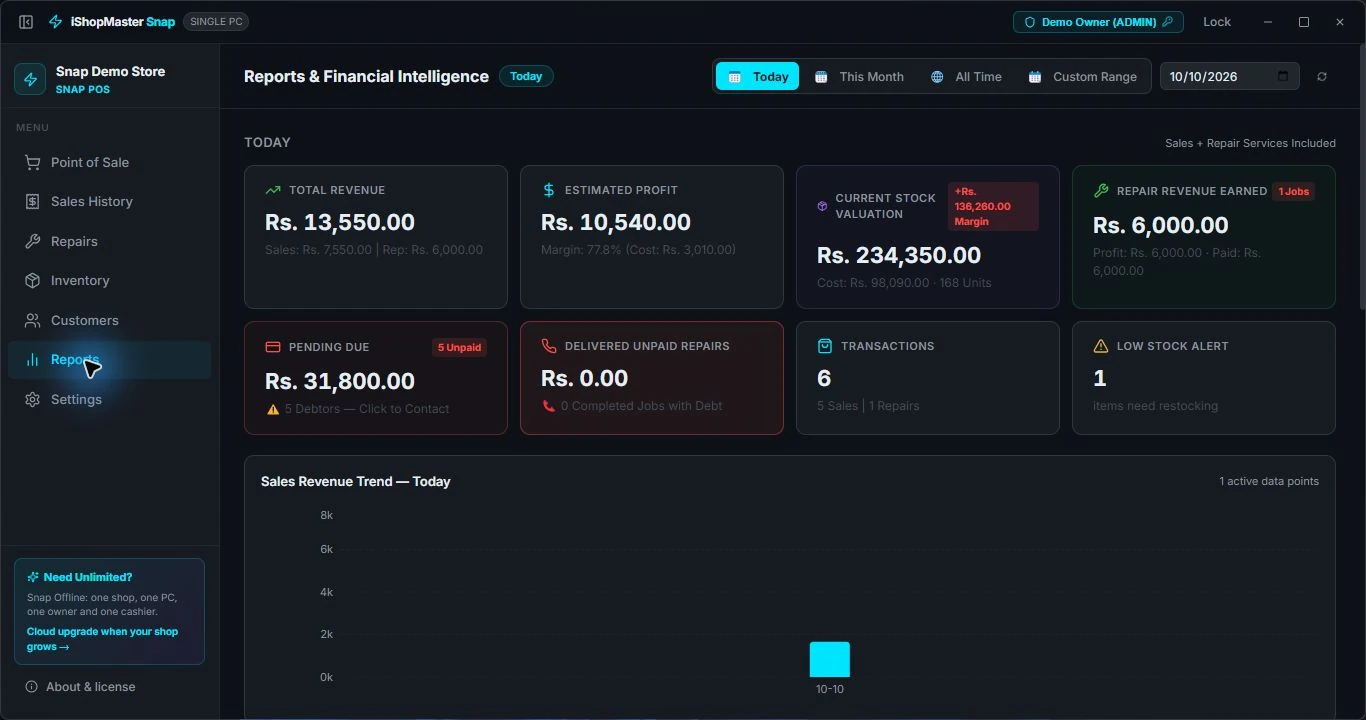
The standard Snap licence covers one computer and one location, with one owner and one cashier account and 1,000 products. There is no commercial count cap on customers, sales or repair jobs. Check your issued licence for any agreed changes.