

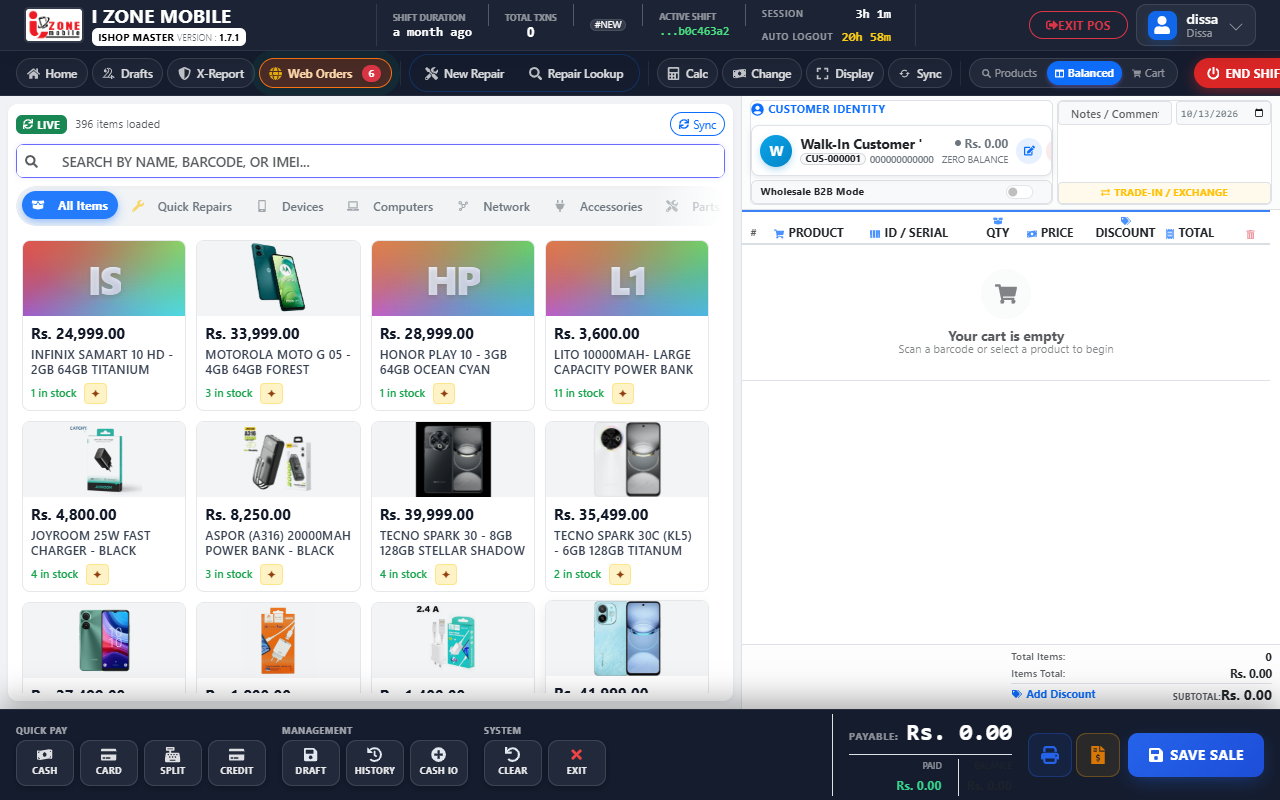
How to Execute a 60-Second Customer Trade-In Swap
Standard counter procedure for evaluating a customer's used phone, issuing trade-in credit, and billing the upgraded handset.
- Open Device Hub: Navigate to `CRM` → `Device Hub` and select the customer by mobile number.
- Intake Used Handset: Scan physical IMEI, record battery health % (e.g. 84%), and select condition grade (`Grade B`).
- Issue Valuation Credit: System calculates trade-in valuation and generates an instant credit note in the customer's wallet.
- Ring Up New Device: Add the customer's upgraded phone to the POS cart. The trade-in credit auto-deducts from the invoice.
- Collect Difference: Collect remaining cash or card balance. The used phone automatically routes into intake inventory.